KPM Spring Update: New Brand, New Models, Smoother Flow
Apr 24, 2026
Busy couple of weeks. We shipped a rebrand, added four generation models, rolled out multi-video generation, polished the UI, restructured galleries, and cleared a pile of bugs. Here’s what landed.
1. We’re Key Prompt Manager now
Midjourney Prompt Manager is now Key Prompt Manager (KPM). Same team, same product, sharper mission.
When we launched, tying the brand to Midjourney made sense. That’s where the energy was. A year later, the landscape has exploded: Kling, Nano Banana, GPT Image, Veo, Seedance, Luma, and more. The hard part isn’t “how do I write a Midjourney prompt” anymore — it’s “how do I craft one Key Prompt and deploy it across whichever model fits the job.”
That’s what KPM does. One Key Prompt, 30 models (13 image, 17 video), plus full Midjourney copy-paste support for Web UI and Discord. V8 and the V8.1 alpha are still genuinely exciting and we’re keeping the full Midjourney parameter set. We’re just no longer single-vendor.
New domain: keypromptmanager.com. Old midjourneypromptmanager.com bookmarks will redirect to the new site (no path preservation, sorry — you’ll land on the homepage, not the exact page you had saved).
A note on keypromptninja.io: We’re sunsetting the old project site and migrating its archive into keypromptmanager.com over the coming weeks. It’s a historic look at where this started in 2023 and the AI industry transformation that followed, a window into the progression that shaped both the app and the community around it. Worth preserving.
2. Seedance 2.0: ByteDance’s new high-end video model
ByteDance’s Seedance 2.0 is in the video lineup. Top-tier generation with native joint audio + video: sound and motion are produced together, not dubbed after, which makes it one of the more coherent-feeling video models available.
- Native audio generation (no post)
- Up to 15-second clips
- Image-to-video and reference-to-video modes
- 480p / 720p / 1080p
Pricing: 33.3 credits/sec at 720p, scaling for 1080p. Premium tier, but for production-ready output with synced audio the quality-to-cost ratio is strong. Competitive with Kling 2.1 Master and full Veo 3.1.
3. Nano Banana 2: Google’s Gemini 3.1 Flash Image
Nano Banana 2 joins the image lineup alongside Nano Banana Pro, giving you the full Gemini 3.1 Flash Image family. Where Pro optimizes for maximum reasoning depth, 2 optimizes for speed and vibrant output. It’s the iteration model in the pair.
- Native 1K / 2K / 4K output (not upscaled)
- Accurate text rendering with character-by-character validation in multiple languages
- Character consistency for up to 5 people across generations
- Up to 14 reference images on the edit endpoint for compositing and multi-subject scenes
- 15 aspect ratio presets, including an “auto” option that picks the ratio from your prompt
- Optional web search grounding for real-world subjects (landmarks, products, current events)
Pricing: 7.2 credits/image at 1K, 10.8 at 2K, 14.4 at 4K. Low enough to iterate fast, and because Pro and 2 share the same schema, you can swap between them mid-project with nothing but a model change. Same prompt, same parameters, same reference setup.
When to pick 2 vs Pro: volume work, fast iteration, and anything with heavy text rendering → Nano Banana 2. Complex multi-step compositions and maximum reasoning depth → Pro.
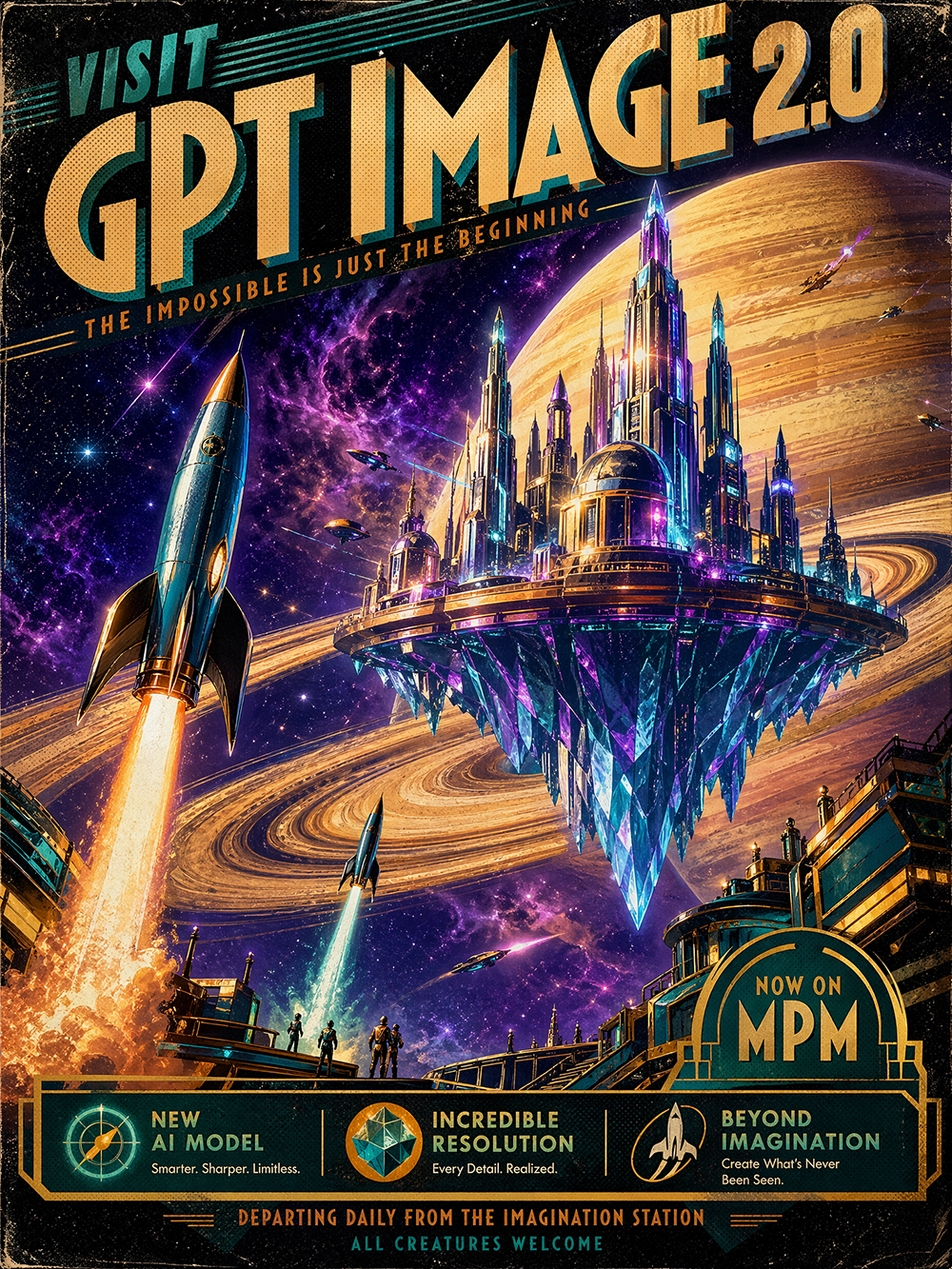
4. GPT Image 2.0: OpenAI’s latest, now with 4K
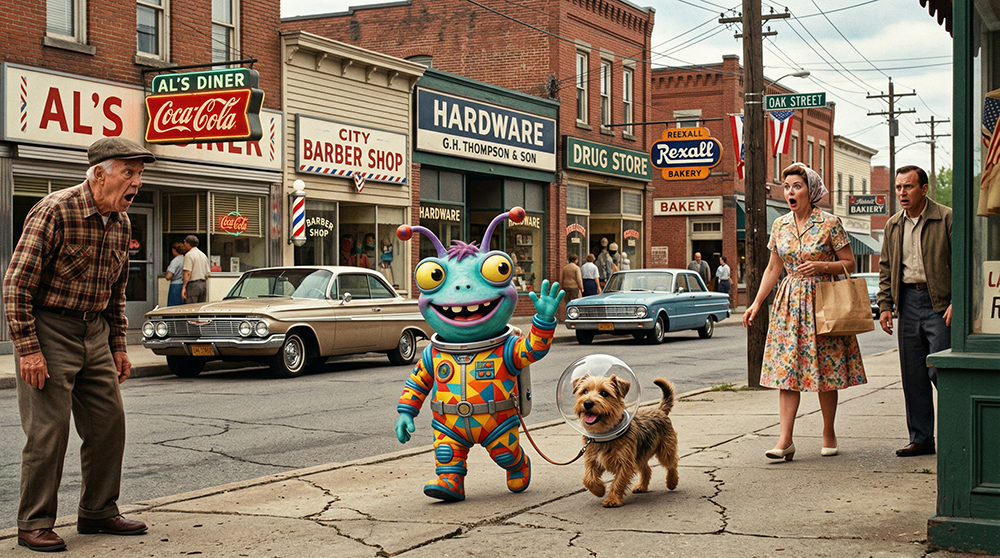
GPT Image 2.0 joins the image lineup. Clear upgrade over 1.5 on prompt adherence, typography (text inside images is noticeably better), and reference-image conditioning.
- Up to 4 reference images per generation
- 4K output (auto-clamped to ≤8.29M px per aspect ratio to stay inside OpenAI’s image budget)
- Aspect ratios: 1:1, 16:9, 9:16, 4:3, 3:4
- Quality pinned to “medium” for a reliable cost/quality balance
Pricing: 6.6 credits/image at 1K/2K, 12.1 credits at 4K (1.83× multiplier).
5. Multi-video generation: up to 4 siblings per prompt
One thing image generators have always done better than video: give you four variations at once so you can pick. Video’s been single-shot-per-click everywhere for obvious reasons. It’s expensive and slow. We fixed the “single shot” part.
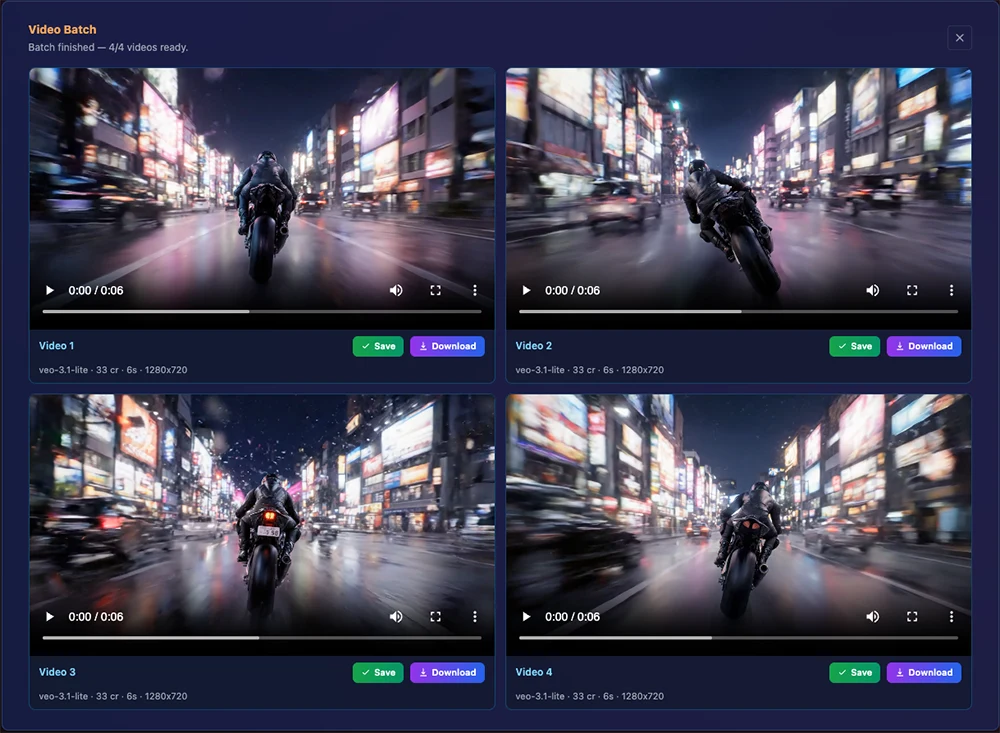
You can now fan out up to 4 video generations from one prompt in parallel. Same prompt, same parameters, different seeds. Each runs as its own generation job, gets its own preview, and lands as its own entry in your library, so you can download, save, or discard each independently.
- 1–4 siblings per click
- All generations run concurrently with no serial waiting
- Credits reserved and finalized per sibling, so a failure on one refunds cleanly without touching the others
- Works across every video model in the catalog
- Failed siblings show the specific error; successful ones are unaffected
Practical impact: creative iteration on video feels closer to how image iteration feels. Pick the seed that landed the motion you wanted, then regenerate just that one at higher resolution or longer duration. We offer a small batch discount on image generations (5–12.5% off at 2–4 images), but not on video, where margins are tighter. The throughput and the “I can actually compare takes side-by-side” part is the real win.
6. Veo 3.1 Lite: Google’s budget video tier
Veo 3.1 Lite is our new budget entry in the Veo family. Same 3.1 lineage as Fast and full 3.1, priced so you can iterate cheap.
- 5.5 credits/sec at 720p, 8.8 credits/sec at 1080p
- 4, 6, or 8 second durations
- Audio always included
- T2V, I2V, and first-last-frame endpoints
- 16:9 and 9:16
When to pick Lite: about half the cost of Fast (5.5 vs 11 cr/sec), a quarter the cost of full 3.1 (22 cr/sec). Tradeoff is some motion fluidity and a tighter duration range. Rough cuts, pre-vis, throwaway takes → Lite. Finals → Fast or full 3.1.
Bonus: Kling 3.0 picked up native 4K this week. Pick 4K from the Kling 3.0 resolution menu for true 4K (not upscaled) at a flat 46 credits/sec.

7. UI polish: less rainbow, more glass
We heard the feedback. The UI leaned hard into color, and for some folks it read as a rainbow explosion. Creative tools should feel creative, but they also need to be easy on the eyes over a multi-hour session.
Changed:
- Lower contrast on buttons and accents
- Shift toward glass morphism: semi-transparent panels with subtle blur instead of fully saturated fills
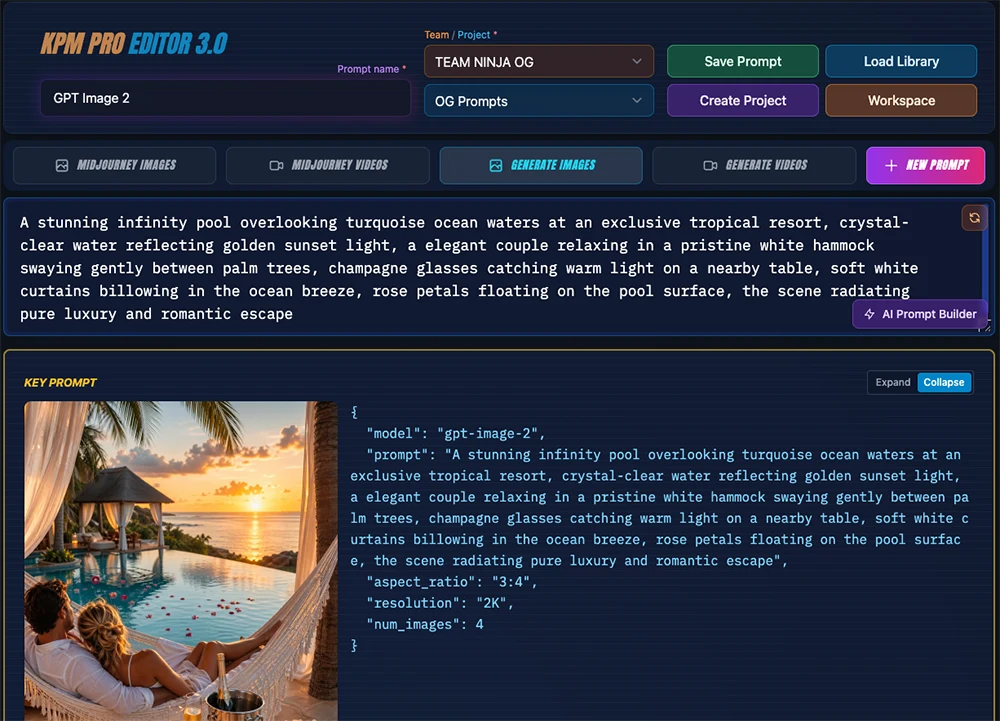
- Cleaner Pro Editor Control Center
- Subtler hover and active states
Didn’t change: our brand character, or any of the core flows. Everything is exactly where you left it.
More passes coming. Goal is still recognizably KPM, just easier to live in.
8. Gallery, reimagined as “My Gallery”
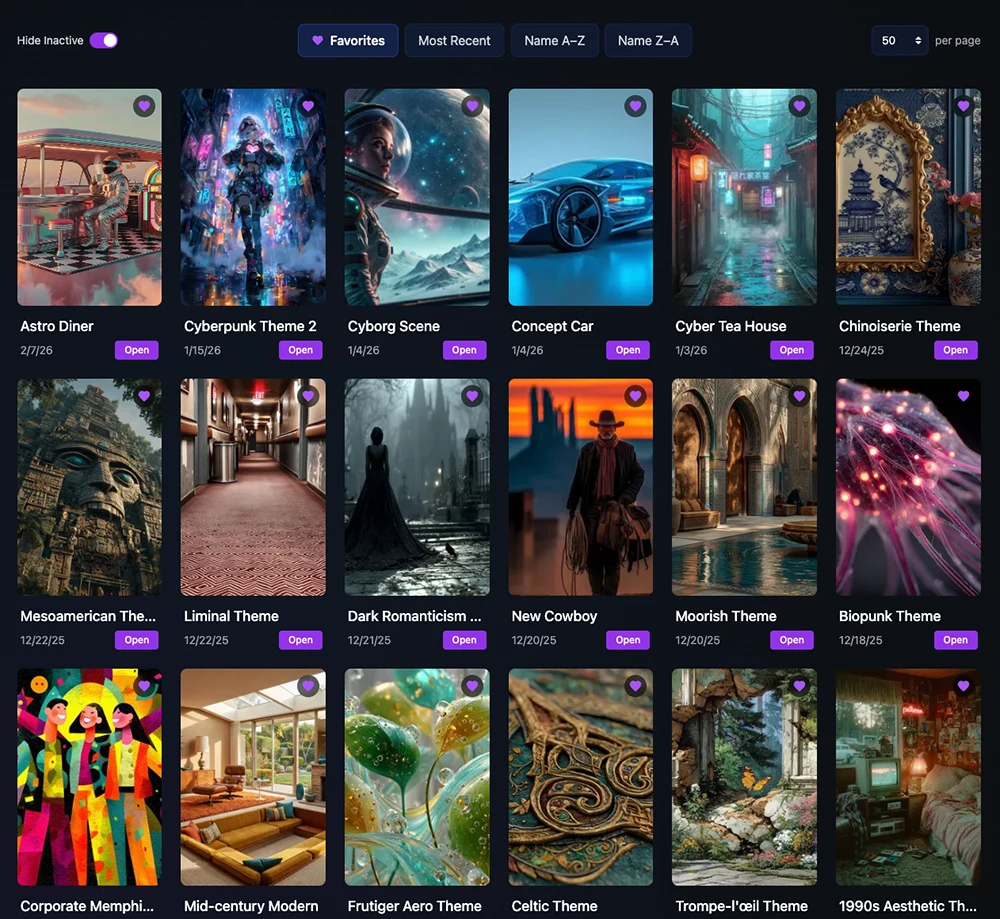
My Gallery is your personal portfolio view of the projects you’re most proud of. Projects are now Active (featured in My Gallery) or Inactive (hidden from My Gallery but still in your project list), a one-click toggle from the project detail page or edit modal. Think of it as a curated showcase separate from your full working list, so you can keep experimental work out of the spotlight without archiving it.
9. Bug fixes and performance
We’ve been grinding through the long tail. Video thumbnails now render reliably in the library, credit tracking is tighter across the board, and a pile of smaller fixes landed across image generation, reference-image handling, and video parameter panels. Core flows should feel noticeably more reliable than a few weeks ago, and we’ll keep polishing.
What’s next
More models as they land (watching Kling video-to-video and video-post tools like Topaz Upscale closely), plus continued editor and workspace polish.
As always, if something’s broken, unclear, or missing, let me know. I read everything.
— Key Prompt Ninja